M-Pesa
M-Pesa reconciliation
Match your M-Pesa organisation statement to your cashbook or sales, receipt by receipt, and work every reversal and missing payment as a case.
Why this close matters
What finance teams buy when this reconciliation stops living in spreadsheets.
- Portal exports that land in the ledger without a cleanup pass
- Reversals and missing payments as cases, not chat threads
- Store- or till-level ownership when your files carry it
The files
Exactly what goes in for this close.
- M-Pesa organisation portal export — CSV or Excel
- Cashbook, sales, or POS export
What Churpy does with them
01
Reads the portal export as it comes
Day-first dates, withdrawals as negatives, and balance rows set aside — so the file does not need a cleanup pass first.
02
Sets aside rows that are not completed
Non-completed rows are counted and parked. Nothing disappears without a trace.
03
Matches on receipt number first
Then date and amount for anything left. Your tolerances stay readable.
04
Puts the rest in the case queue
Reversals, missing payments, and timing gaps become cases with evidence.
What you get
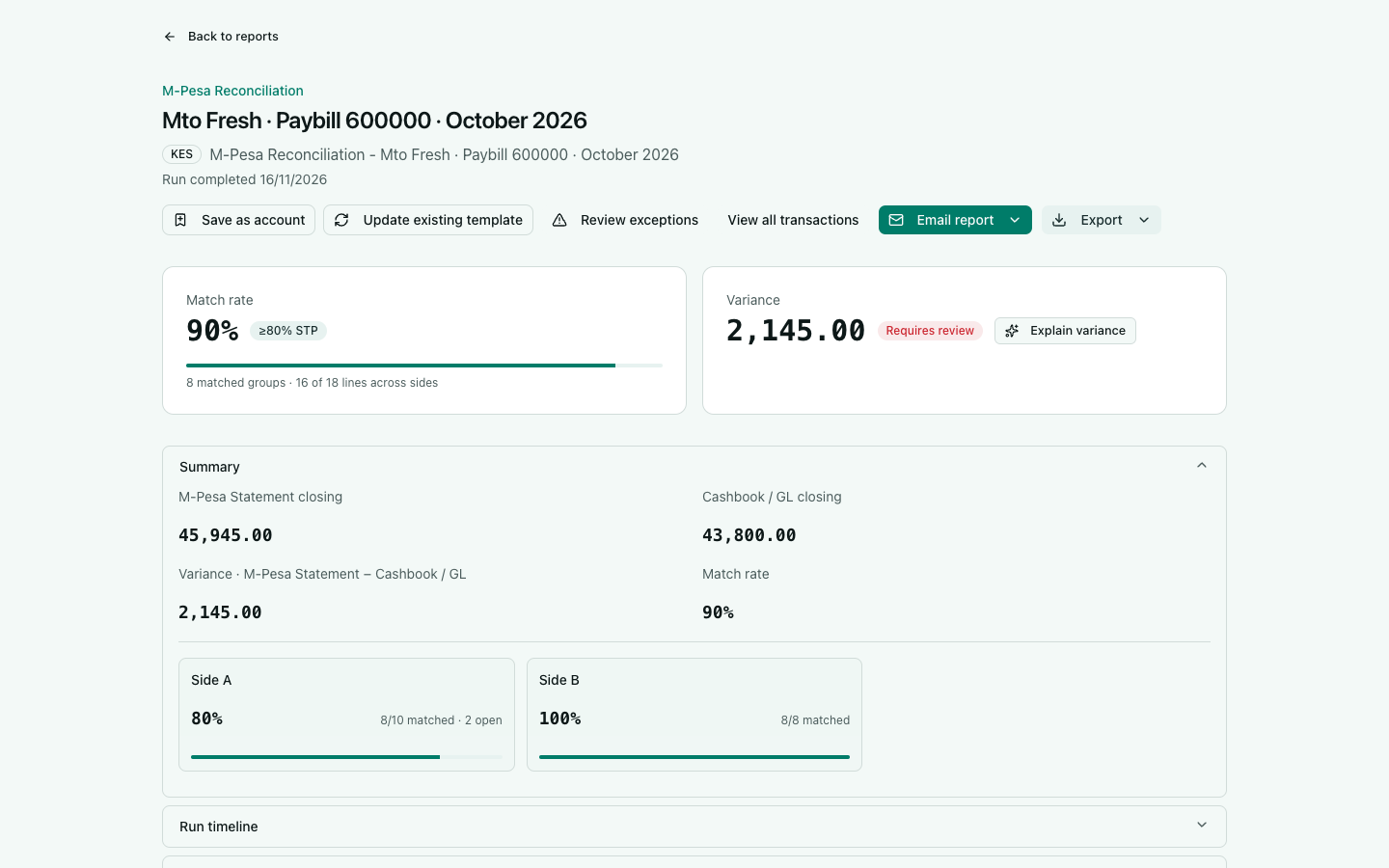
A report for the period with matched receipts, the variance, and a queue of exceptions.
Common exceptions
- Reversals flagged for review with a suggested action
- Payments recorded a day later within your date window
- Missing cashbook lines that need an owner
Suggested actions on reversals are labelled AI — people still decide.
Related
See M-Pesa close on your portal export
Book a demo with a sanitised organisation statement and cashbook.